
MiniMaxH3 Wuxia Video Generation Workflow: An Engineering Breakdown of Running Open-Source Video Models on 12GB VRAM
Recently, while doing a local comparison of AI video generation tools, I came across MiniMaxH3 — an open-source workflow that goes pretty deep on the “high-motion wuxia scenes” track. It packages the model, VRAM optimizations, prompt templates, and deployment paths into an almost “out-of-the-box” engineering solution. From the model filename minimax_h3_hybrid_52x_hdv_xl_..., I’d guess MiniMax is the author’s model-family namespace, with H3 being the version of the workflow specifically aimed at wuxia scenes. The goal: generate ancient martial arts and fantasy fight footage — visuals that would be prohibitively expensive to shoot for real — at the lowest possible barrier.
Below are the engineering takeaways from days of testing and side-by-side experiments, organized into five angles: model positioning, engineering highlights, prompt structure, deployment paths, and applicable boundaries.
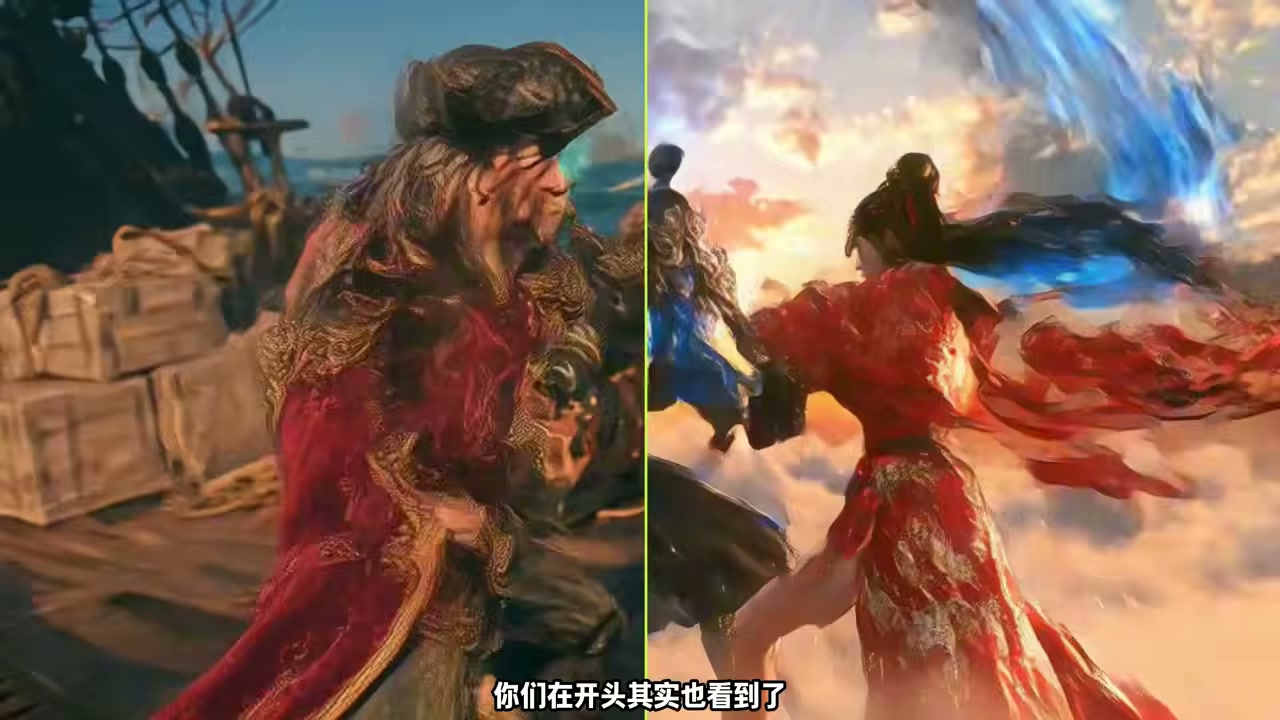
Where It’s Aimed: A Video Model Specializing in “High-Motion Footage”
MiniMaxH3 spells out its positioning right in the model name: H3 isn’t “a more general video generation model” — it’s a set of engineering solutions for “more affordably producing High-motion, Hi-vision footage.” Unlike generalist video models such as Wan 2.5, Veo 4, and Kling, it doesn’t chase SOTA across every scenario. Instead, it concentrates its optimization budget on two types of scenes — ancient martial arts combat and fantasy/xianxia battles. The former demands dense character motion, weapon arcs, expressions, and costume dynamics; the latter demands particle effects, lightsabers, halos, explosion shockwaves, and the like.
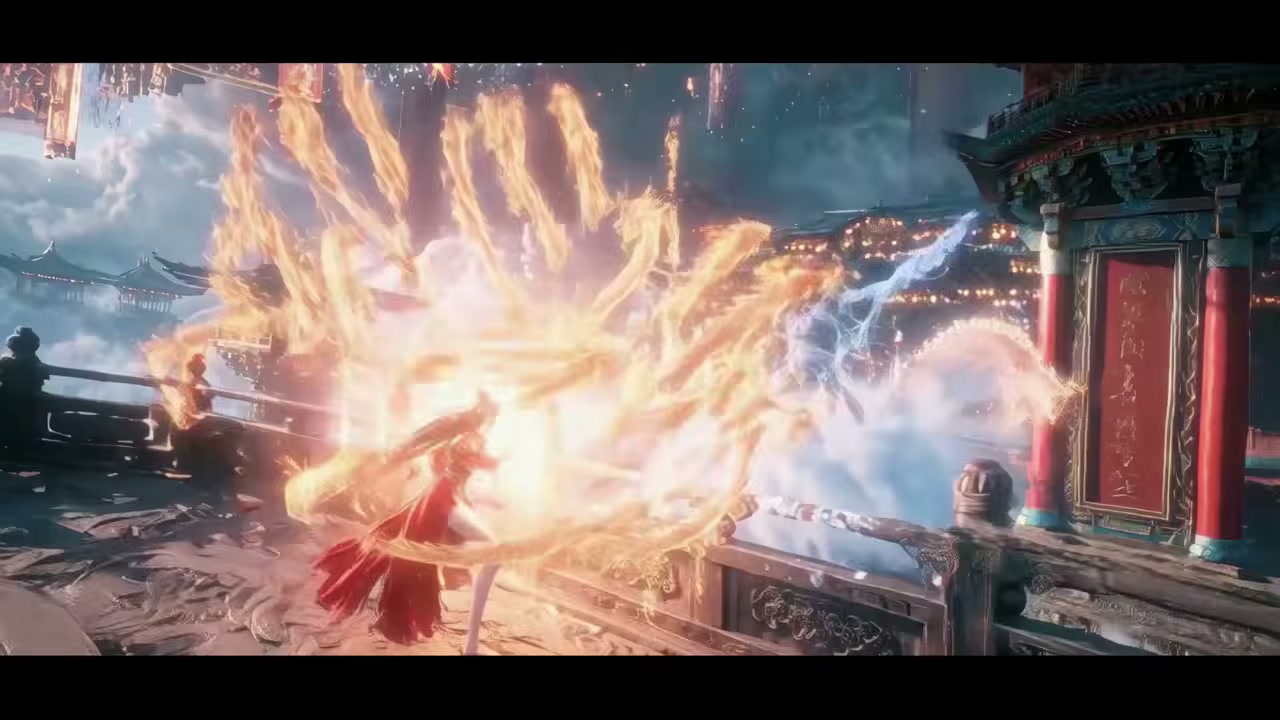
Read this positioning as a niche play, and the value becomes clear: it turns the awkward “I can do everything but nothing particularly well” state of generalist video models into a focused engineering depth on a specific type. For plugin makers and long-form video creators, this “vertical model + paired workflow” approach is actually more practical than a generalist big model — you don’t need every scene to be SOTA, just stable and usable on a specific genre.
A few key node names on the model side already hint at this design philosophy: MiniMaxH3TModel (text encoding), MiniMaxH3VideoAE (video autoencoder), MiniMaxH3LearnedResizer3D (3D-learned downsampler). Names with the MiniMax prefix belong to the MiniMax family; names with the H3 suffix are specific to this workflow. This “model-piece split + standardized naming” style is worth borrowing when building custom workflows — clear node naming saves a lot of trouble later when switching cues.
VRAM Floor: Runs on 12GB, with Sparse Attention as the Standout Engineering Move
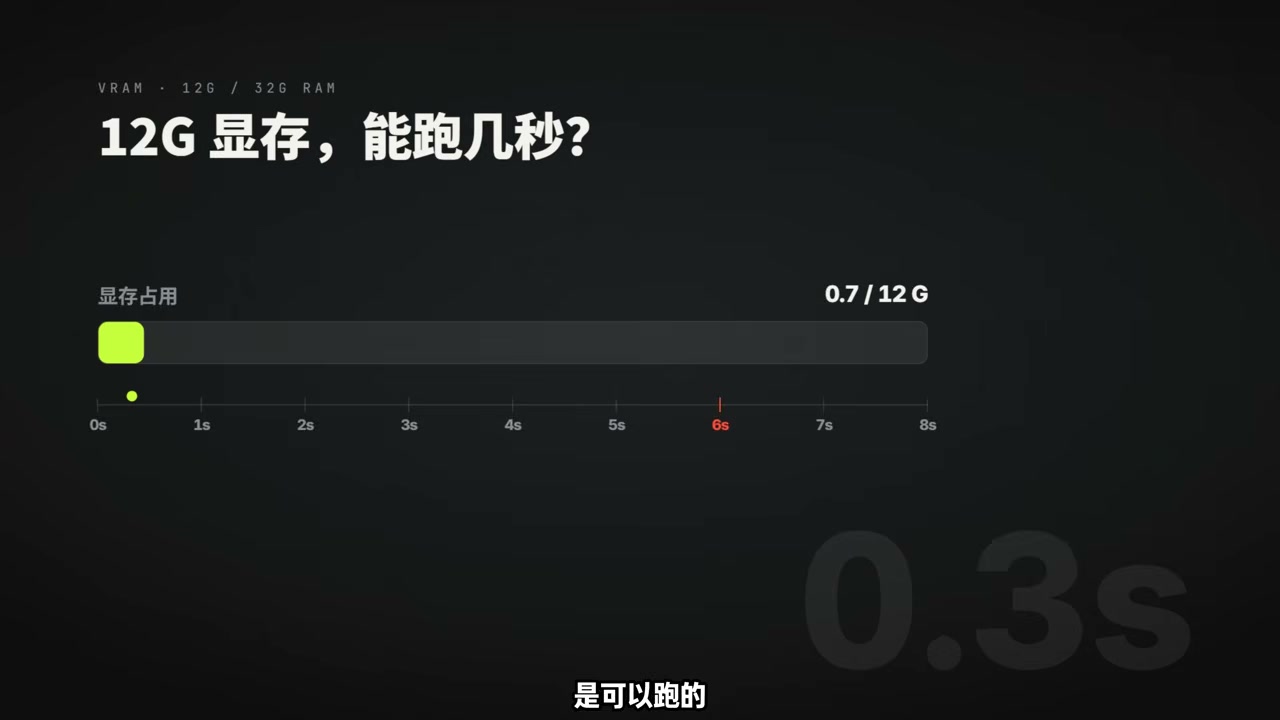
MiniMaxH3’s most noteworthy engineering highlight is the deep integration of the “Sparse Attention” mechanism. In the ComfyUI workflow, the author has packaged sparse attention as a standalone plugin called comfyui-minimax-h3-audioT8 — a module that’s “load to use, unload with no side effects.”
Read this sparse attention approach in a niche context and its essence is clear: it reshapes the attention budget during AI inference — Chunked Attention slices long sequences into multiple chunks and computes attention only within each chunk rather than across the full sequence; Low-VRAM Attention then further offloads chunk-level KV caches to system memory or NVMe SSDs, reducing VRAM usage from “must fit the whole sequence” down to “only needs to fit one chunk.” Engineering-wise, this slicing + offloading combo can compress VRAM requirements down to 1/3 or 1/4 of a generalist solution.
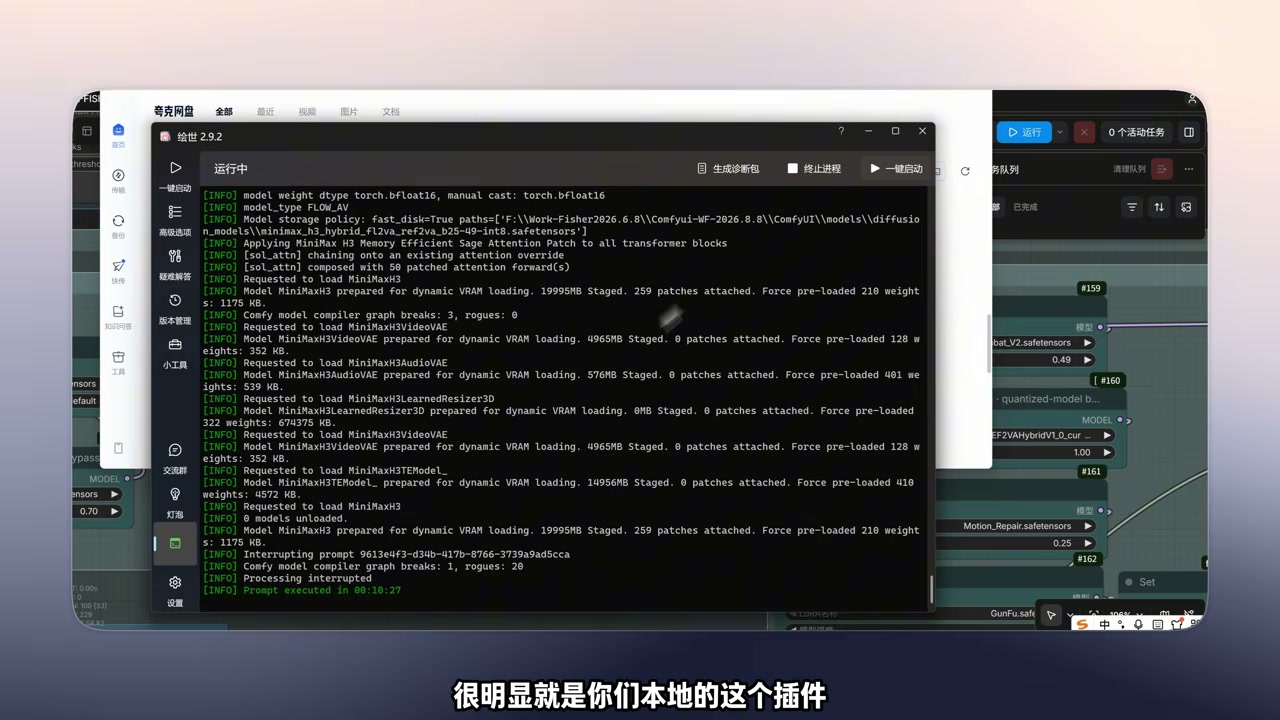
The load log shows the model loading details: MiniMaxH3 main model 19995MB, MiniMaxH3VideoAE 4965MB, MiniMaxH3LearnedResizer3D 0MB (dynamically loaded), MiniMaxH3TEModel 14956MB. All support dynamic VRAM loading; even with Force pre-load enabled, usage stays between 210MB and 770MB, with the rest loaded in stages. This “dynamic loading + sparse attention” combination is the core engineering logic that lets this workflow run on 12GB.
If you’re interested in the “running large models on low VRAM” thread, check out my earlier breakdown of AirLLM Layer Streaming. The two paths have different emphases — AirLLM goes the “reduce parameters per layer” route, while MiniMaxH3 goes the “slice attention into chunks” route. The engineering philosophies are essentially converging on the same goal.
The 5-Segment Prompt Structure: Internalizing “Action Breakdown” into a Template
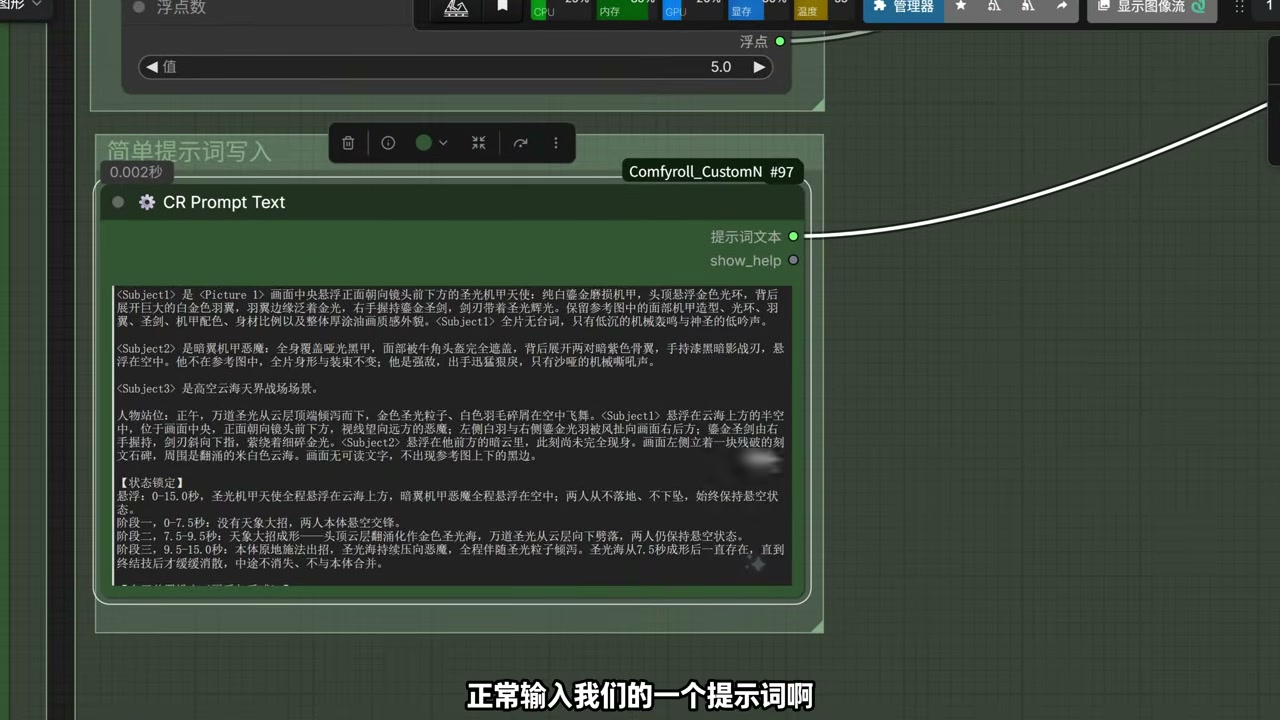
MiniMaxH3’s biggest highlight on the prompt design side is breaking wuxia scene prompts into a fixed 5-segment structure: <Subject1> is the main character 1 (character description), <Subject2> is the main character 2 (opponent description), character positioning (initial pose), character direction (movement pose), and state lock (motion breakdown). In essence, this structure turns the abstract screenwriting concept of “wuxia blocking” into a repeatable “fill-in-the-template” workflow.
Read this prompt structure in a niche context, and its engineering meaning becomes obvious: it converts what was originally a luck-dependent “sequence modeling stability” problem into a “chunked state stability” problem. Specifying “phase one, phase two, phase three…” in the prompt is equivalent to slicing the video into multiple “sub-shots” at the text level, each with its own start and end point, with the model filling in transitions between shots. Compared to generalist video models’ “give it a paragraph and generate a complete motion,” this offers an order-of-magnitude finer level of shot-level controllability.
This approach is actually a reusable engineering pattern for engineers building custom script generation, automatic anime storyboarding, or short-video batching — you don’t need to build a model from scratch. Just design a similar “sub-shot slicing” template, split camera moves, character positioning, and state changes into fillable fields, and you can produce more stable batched results on top of a generalist model.
Deployment Paths: Local Bundle / Cloud / Canvas — Three Options
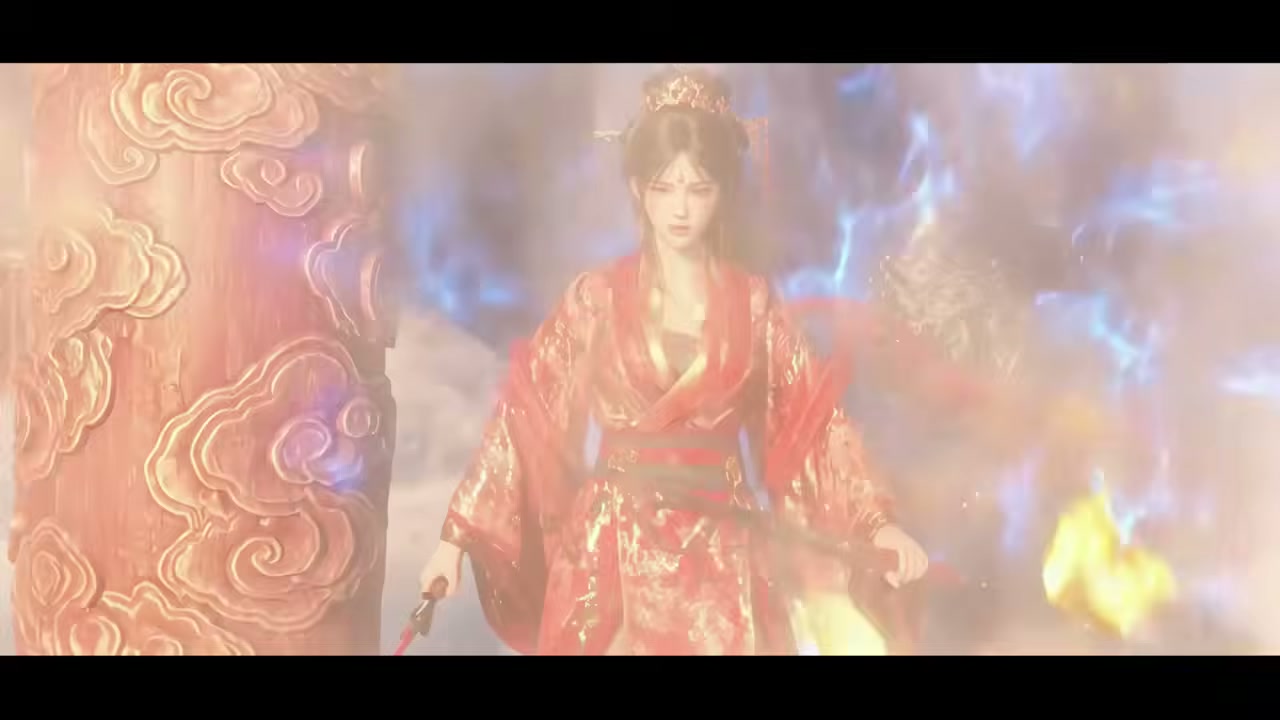
MiniMaxH3’s deployment path is designed as three parallel routes, each targeting different user scenarios:
Cloud Bundle (zero-barrier users): RunningHub offers a cloud version — no setup, no downloads, runs in the browser. Friendly for users who want a quick trial without local-environment hassle. The trade-off is paying for cloud compute.
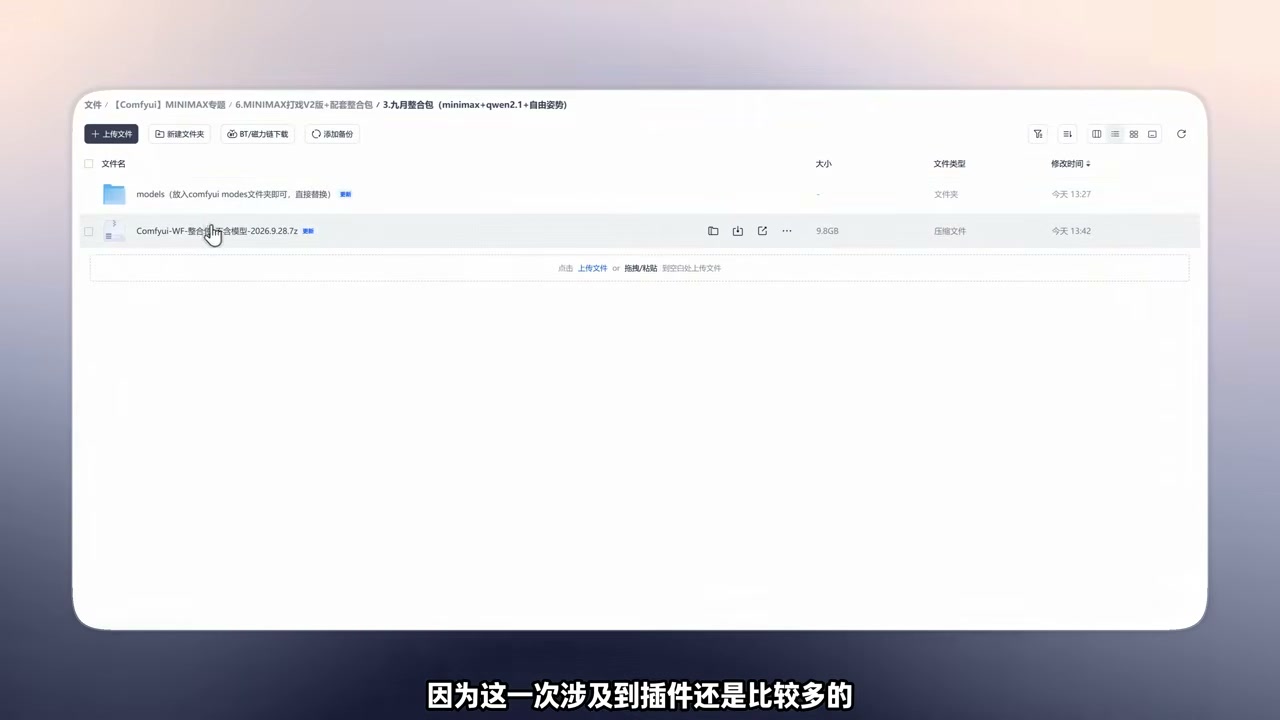
Local Bundle (players with their own compute): The author provides a 9.8GB ComfyUI integration package — clean version plus all corresponding models, ready to run after download and extract. All involved plugins (including sparse attention, low-VRAM attention, LightX2V FL2V Turbo, Patch Sol-Arith, and a dozen or so others) are pre-installed with conflict avoidance. For local users with 12GB+ VRAM, this is the most hassle-free path.
Canvas Platform (multi-tool collaboration): AIFisher Infinite Canvas (a product from work-fisher.com) turns MiniMaxH3 into assembly-able canvas nodes that can be freely combined with other models, APIs, and tools on the canvas. For teams wanting to plug it into their own workflow pipelines, this is the most flexible option.
The engineering logic behind having all three paths simultaneously: it decouples “the model itself” from “the usage path.” The same model is a ready-to-use toy in the MiniMaxH3 bundle, an assembly-able part on the AIFisher canvas, and a ready-to-run service on RunningHub. This “one open-source source, deploy everywhere” approach is the key path for open-source models to actually enter production workflows.
Applicable Boundaries: This Workflow Isn’t Suited for All Video Types
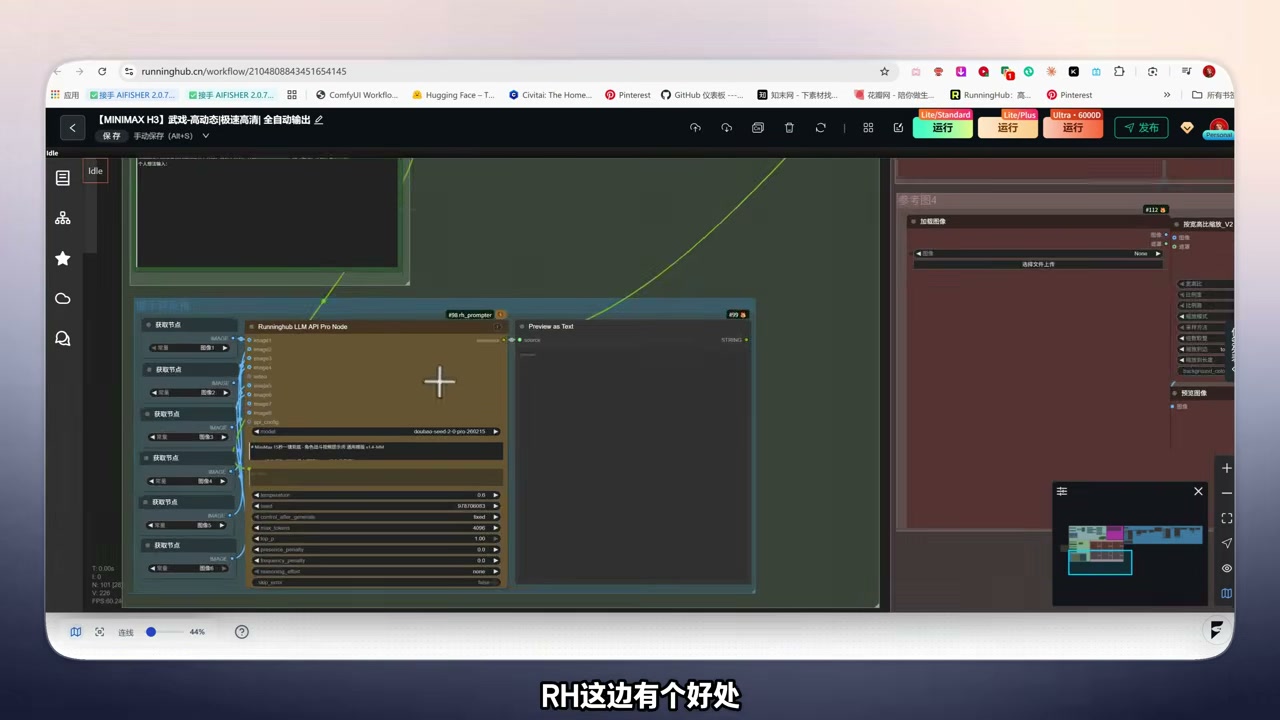
Putting it alongside my actual test results, there are a few boundaries worth flagging:
- Not suited for daily vlogs, product showcases, or talking-head videos: These types are already good enough with generalist models like Veo 4 or Kling. Optimizations like sparse attention and chunked slicing are over-engineering for these scenarios.
- Not suited for shots shorter than 3 seconds: This workflow’s “chunked state lock” is built for the slicing structure; for shots under 3 seconds, a generalist model’s “single-description” approach is actually more stable.
- Where it shines: ancient martial arts combat, fantasy battles, aerial particle effects, combo chains, sword-light trails — these “motion-dense + sustained-shot” visuals are where MiniMaxH3 truly comes alive.
- Hardware floor: 12GB is the “can run” minimum; a comfortable experience starts at 16GB+. Below 12GB, sparse attention can still compress the model, but generation time stretches significantly — total serial time can approach hours.
Bringing this judgment back to a resource recommendation path: if your workflow needs “batch production of ancient wuxia and fantasy combat” footage and you have a local workstation with 12GB+ VRAM, then this MiniMaxH3 is currently a relatively mature option among open-source solutions. If your scenarios lean toward daily vlogs, product explainers, or ad clips, generalist models will be more cost-effective.
For developers wanting to deploy AI tools locally from scratch, you can refer to my earlier write-up Pi Agent Zero-to-One, which walks through setting up a workflow on a Mac from package install to writing your first Agent task. The two share the same “local deployment + workflow orchestration” thinking.
Wrapping up today’s engineering takeaways into a few practical conclusions:
1. Running open-source video models on 12GB VRAM — sparse attention is the key engineering move. Combining chunked attention and low-VRAM offloading can compress VRAM requirements from tens of GB on generalist solutions down to 12GB — huge for individual tinkerers and small studios.
2. The 5-segment prompt structure (Subject1/Subject2/character positioning/character direction/state lock) is a reusable engineering pattern. Internalizing “storyboarding” into a template is equivalent to slicing the video into sub-shots at the text level — more controllable than “give it a paragraph.”
3. Diversified deployment paths are a maturity marker for open-source models. The same model running in parallel across a local bundle, a cloud bundle, and a canvas platform — that’s the engineering logic for open-source AI tools to actually enter production pipelines.
For engineers doing custom script generation, short-video batching, or automatic anime storyboarding, this workflow is a solid learning sample — you don’t need to invent a new model. Get the prompt layer, VRAM layer, and deployment layer right, and you can push an open-source model into production-ready use.
Companion Resources:
- Cloud version: RunningHub workflow page (browser-ready)
- Local version: Work-Fisher/MiniMax-H3-Wuxia-Fight-Workflow on Hugging Face (full workflow + models)
- Integration package: 9.8GB clean ComfyUI version + paired models (with sparse attention, tile attention, LightX2V, and a dozen other plugins pre-installed)
- Canvas platform: AIFisher Infinite Canvas (work-fisher.com, offers MiniMaxH3 template nodes)
One final reminder — this solution has a clear positioning: it’s not suited for all video types. Its engineering value lies in “delivering near live-action quality on the high-motion wuxia track at the lowest possible barrier.”